
Download Festival Photo Frames & Editor – festival photo frames, holiday photo editor, festive photo effects, photo editing app, holiday card maker
Overview
The Festival Photo Frames & Editor app is a mobile utility designed to help users enhance their holiday photos with festive themes and creative tools. Its primary purpose is to transform ordinary images into visually engaging holiday cards by applying themed frames, stickers, and visual effects. This app caters to individuals seeking to personalize their seasonal photos for social sharing or digital keepsakes. The target audience includes casual photographers, social media users, and anyone celebrating holidays such as Christmas, New Year, or other festive occasions.
Developed by SoftPas, the app aligns with the growing demand for accessible, fun, and visually appealing photo editing tools. It fits within the broader photo and video category by offering a streamlined experience focused on seasonal customization. Real-world use cases include creating festive greetings, designing digital invitations, or simply adding humor and charm to selfies during holiday gatherings. The app’s emphasis on immediate visual impact and ease of use makes it a relevant addition to the mobile ecosystem, especially during peak holiday periods when users seek creative ways to express festive spirit.
The developer did not provide additional technical details about the app’s architecture or development philosophy. However, its focus on holiday-specific features suggests a targeted release strategy, likely timed to coincide with seasonal celebrations. The app’s free availability with optional in-app purchases reflects a common monetization model in the mobile utility space, balancing accessibility with premium content access.
Key Features & Functionality
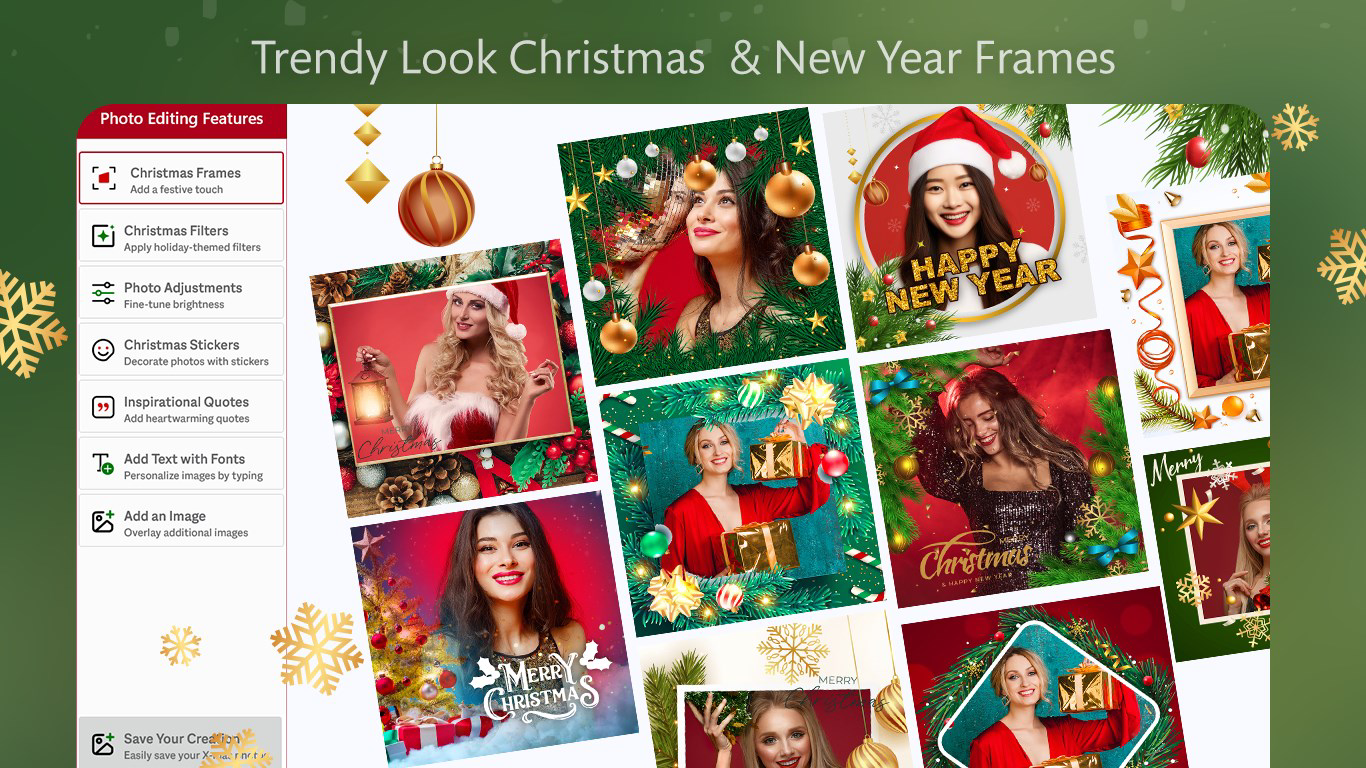
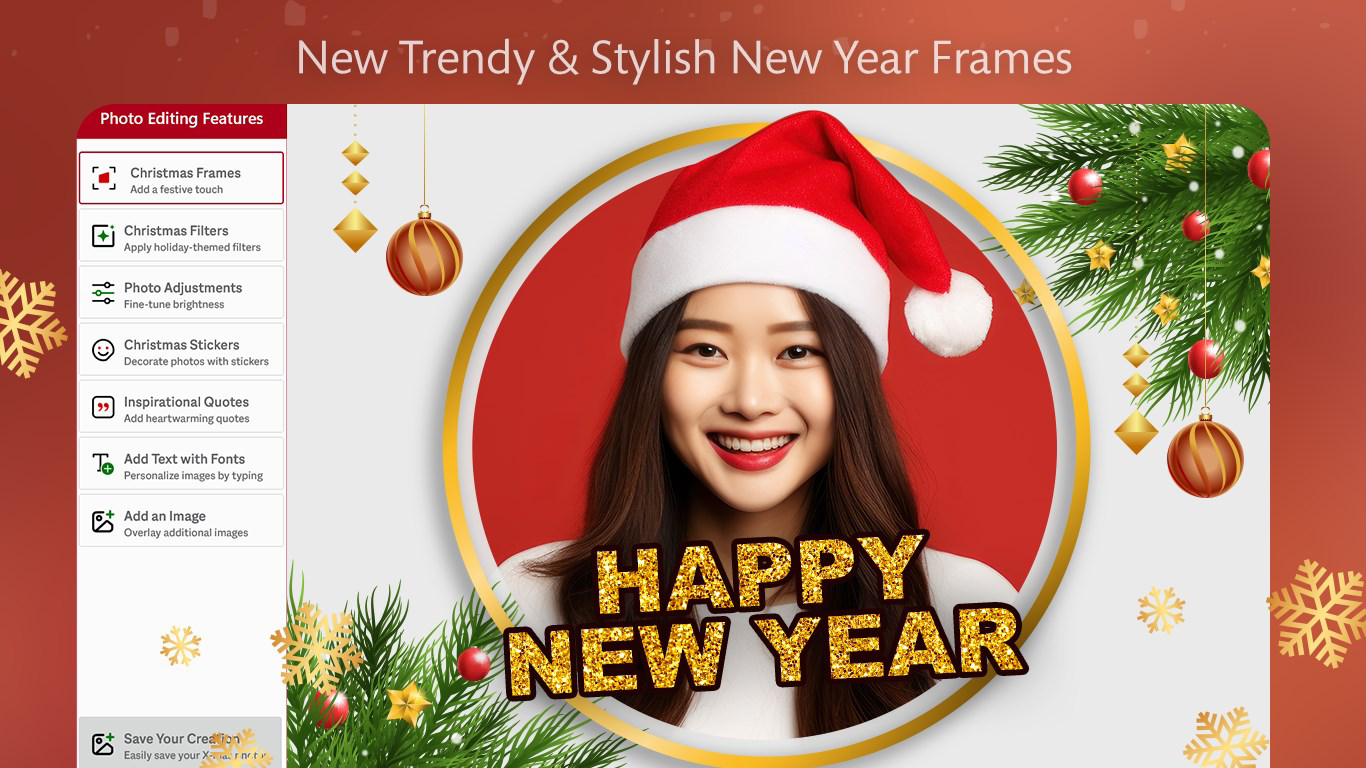
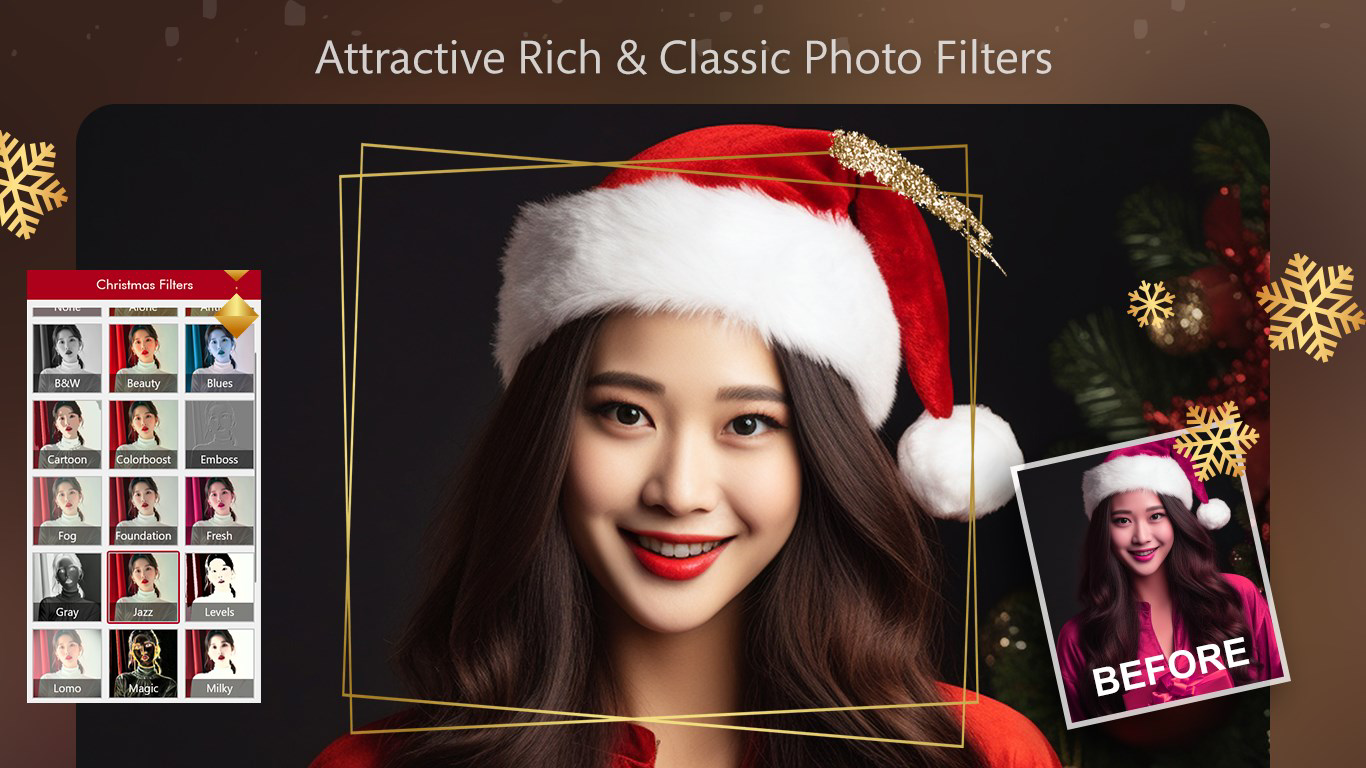
- Festive Frame Effects: Users can apply holiday-themed frames such as Santa Claus, reindeer, snowmen, and seasonal patterns. These frames are designed to complement festive imagery and enhance the visual storytelling of photos.
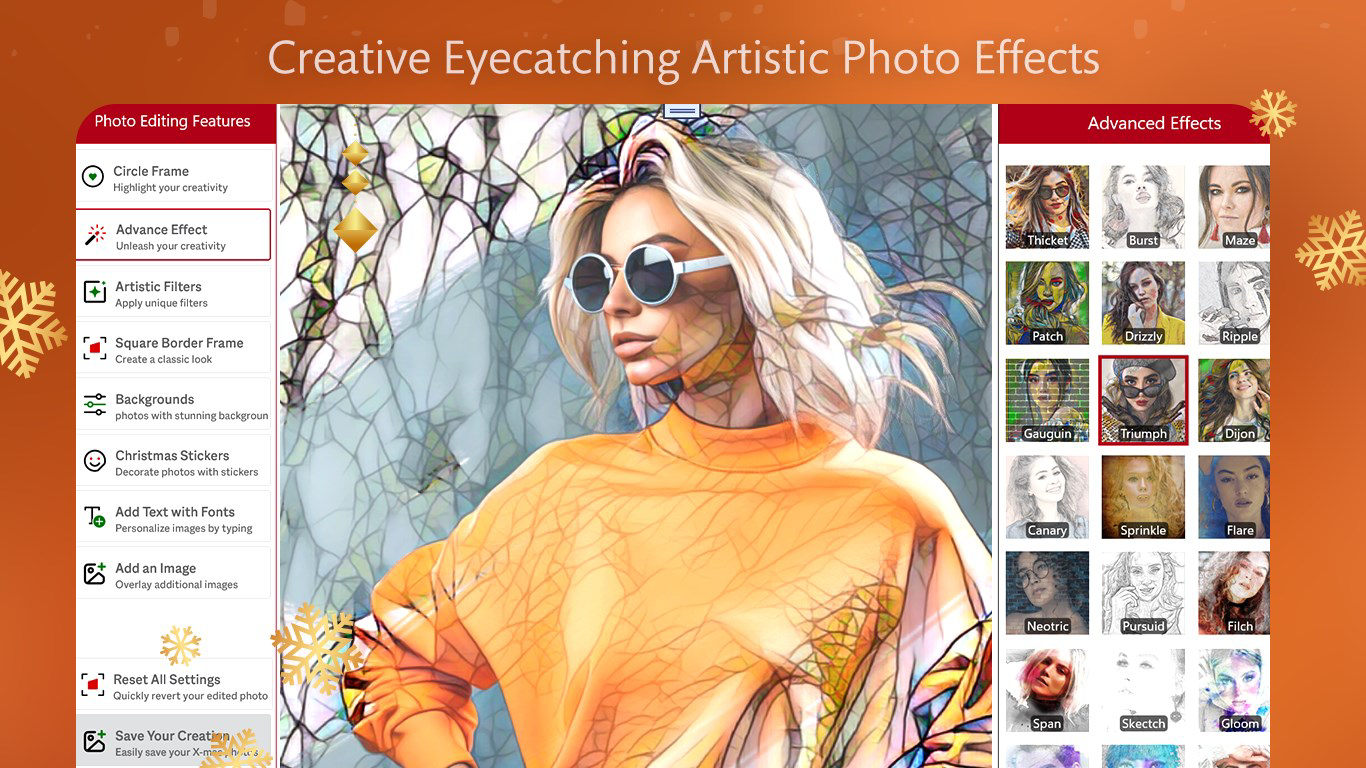
- Easy Photo Customization: The app allows direct access to the device’s photo gallery, enabling users to select and edit images instantly. Customization tools include text overlays, captions, and a selection of humorous or decorative stickers.
- Instant Sharing Options: Edited photos can be saved to the device or shared directly to platforms like Facebook and Instagram. This seamless integration supports immediate social engagement during holiday events.
- User-Friendly Editing Tools: The interface is designed for intuitive navigation, making photo editing accessible even to users with minimal experience. Tools are streamlined to minimize complexity while maximizing creative output.
- In-App Purchases for Premium Content: While core features are available at no cost, advanced frames, effects, and stickers require in-app purchases. Users should note that access to these features may be restricted if subscription terms are not maintained.
For example, a user might take a photo of a family gathering and apply a snowman frame, add a playful caption like “Best Christmas Ever,” and share it on Instagram within minutes. Another user could create a digital holiday card for a friend using a Santa-themed frame and a custom message. These real-world applications highlight the app’s practical value in enhancing personal and social holiday experiences.
Interface, UX & Performance
The app’s user interface appears to follow a clean, minimalist design focused on accessibility. Navigation is likely structured around a central editing canvas, with toolbars positioned for easy reach. Visual elements such as icons and buttons are probably designed to be large and clearly labeled, supporting touch-based interaction across various screen sizes.
Based on the app’s category and purpose, the workflow is expected to be linear: select photo → choose frame or effect → customize with text/stickers → preview → save or share. This streamlined flow reduces cognitive load and supports quick iterations. The app’s responsiveness is likely optimized for common Android devices, though specific performance benchmarks were not disclosed.
Although the developer did not list formal performance metrics, the app’s 45 MB size suggests a lightweight footprint, which typically correlates with efficient memory usage and faster load times. Stability is likely maintained through regular updates, as indicated by the app’s release date of December 10, 2024. Users can expect consistent behavior across different device categories, though compatibility with older Android versions was not specified.
Platform Compatibility & Technical Requirements
Festival Photo Frames & Editor is available exclusively on the Android platform. It requires Android OS, though specific version requirements were not listed. The app’s file size is 45 MB, indicating a relatively compact installation that should fit on most modern smartphones with standard storage capacity.
The developer did not specify minimum OS requirements, so users should ensure their device meets general Android compatibility standards. No additional hardware dependencies were mentioned. The app is free to download and install, with optional in-app purchases for premium features. Updates are likely delivered through the Google Play Store, with the latest version being 2.0 as of December 10, 2024.
Pros and Cons
Pros
- Free to download and use with a range of core features available at no cost.
- Intuitive interface designed for quick and easy photo editing.
- Wide variety of festive frames and stickers to suit holiday themes.
- Direct sharing options to popular social media platforms.
- Frequent updates with new content and features introduced regularly.
Cons
- Some advanced tools and premium content require in-app purchases.
- Access to paid features may be lost if subscription terms are not maintained.
- Compatibility with older Android versions was not confirmed.
- Specific performance data or device optimization details were not provided.
- Developer did not list detailed technical specifications or usage guidelines.
FAQ
Is Festival Photo Frames & Editor safe to download?
The app is available through official Android channels and developed by SoftPas, a known developer in the utility space. It is recommended to install from trusted sources to ensure security and integrity.
Can I use the app without an internet connection?
Yes, the app functions offline after installation. Most editing features, including frame application and image saving, do not require an active internet connection.
Are there any ads in the app?
The developer did not disclose ad presence. However, free apps with in-app purchases often include non-intrusive advertisements, which may appear during use.
How often is the app updated?
Based on the release date of December 10, 2024, and the current version 2.0, the app appears to receive regular updates. Users can expect new holiday-themed content and improvements over time.
Can I edit multiple photos at once?
The app’s documentation did not specify batch editing capabilities. Editing is likely performed on a single image at a time, with no confirmation of multi-photo processing.
Final Thoughts + CTA
Festival Photo Frames & Editor delivers a focused, enjoyable experience for users looking to add festive flair to their holiday photos. With its collection of themed frames, customizable stickers, and instant sharing options, it stands out as a practical tool during seasonal celebrations. The app’s lightweight design and free access make it accessible to a broad audience, while its regular updates ensure ongoing relevance.
While the reliance on in-app purchases for premium content may limit full access for some users, the free tier remains robust and functional. It’s ideal for casual users, social media enthusiasts, and anyone wanting to create memorable holiday visuals without technical barriers.
For those seeking a simple, secure, and creative way to enhance their festive moments, this app offers a compelling solution. Download Festival Photo Frames & Editor now to transform your holiday photos into shareable masterpieces.


